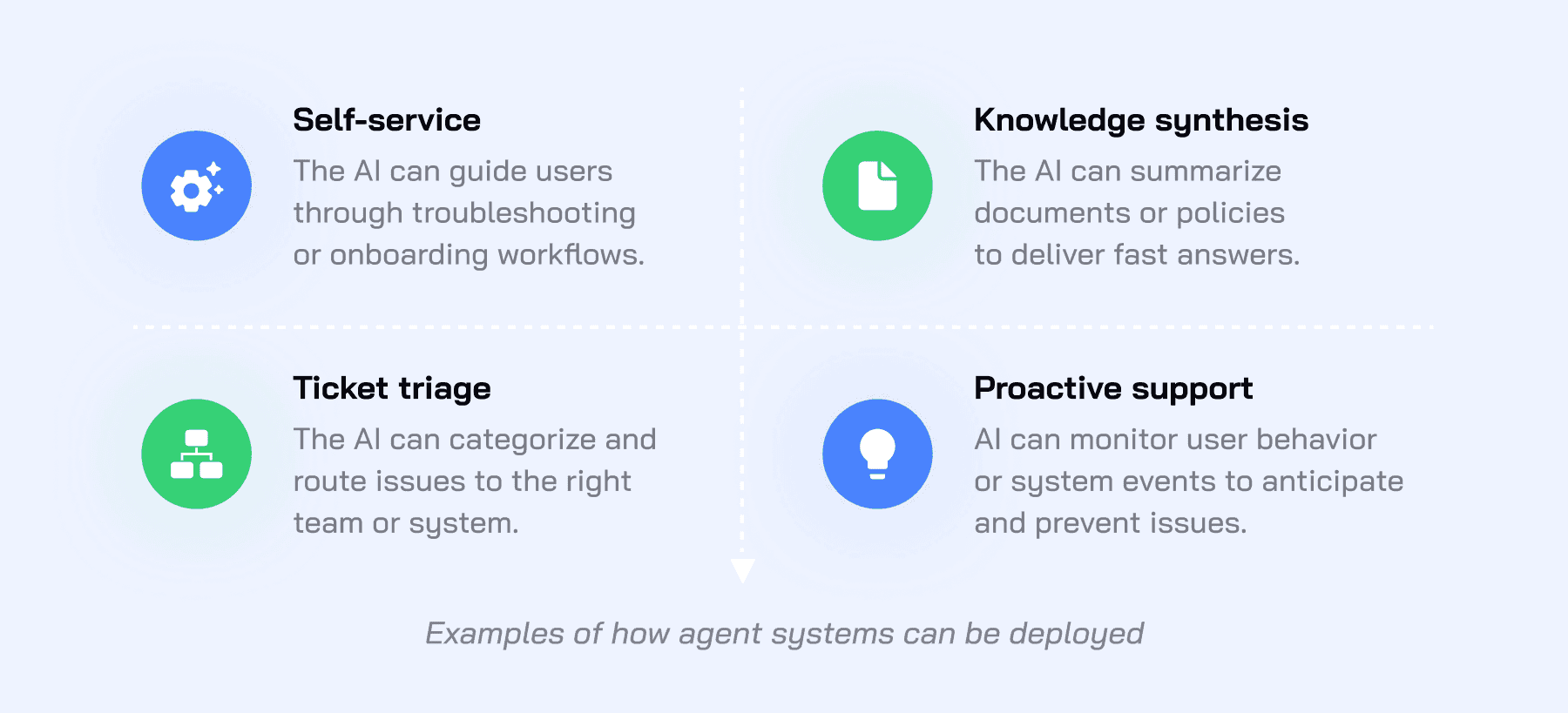
AI for customer support is software that reads a customer's message, works out what they want, and either answers it from your own content and systems or hands it to a person with the context attached. The tickets it handles best are Tier 1: the high-volume, low-complexity requests where the answer already exists in your help center or your past replies. Early on, teams typically see AI resolve 60% to 70% of the tickets it's given. The average across CoSupport AI clients is 74%, counted the same way: tickets the AI closed with no agent action.
The two kinds of AI in a support team
Most of the confusion about "AI customer service" comes from lumping two different tools together. Both read tickets. They do different jobs.
An assistant that drafts for your agents
CoSupport AI Assistant sits inside the helpdesk and works for the person on the ticket. It learns from your knowledge base and past tickets, reads the customer's history and intent, and prepares a reply draft before the agent opens the ticket. The agent edits and sends, and stays in control of every message. The draft already carries the policy and the tone, so a new hire's replies read like the team's.
It fits teams whose tickets need judgment, and teams that want to see how the AI answers before letting it talk to customers on its own.
An agent that resolves tickets on its own
CoSupport AI Agent answers the customer directly. It learns from your tickets and help center, understands customer intent, and responds using your knowledge base and connected business systems, so it can check an order status or start a refund with no agent in the loop. Anything outside its scope goes to your team with the full context and a summary of what it found and did.
This is the tool for Tier 1, because that's where the volume is and where the answer is already written down.
The longer version of the difference is in chatbots versus AI agents. The short version: a chatbot follows a script, an agent understands the request and acts on it.
What counts as a Tier 1 ticket
Tier 1 is the front line: tickets that arrive in volume, follow a pattern, and have an answer that already exists in your documentation or in how your team replied last time. Closing one means finding that answer and sending it. Tier 2 is where someone has to investigate or decide, and Tier 3 is where engineering gets involved.
The usual Tier 1 list:
- Order status and delivery questions
- Password resets and login problems
- Account detail changes
- Plan, pricing and billing questions with a documented answer
- Returns and cancellations inside policy
- "How do I" questions covered in the help center
Speed is the reason this matters. 65% of customers expect an immediate response when they reach out, according to Salesforce, and Tier 1 is where AI customer service can give it without a person in the loop.
What stays with people: anything that needs an exception to policy, anything with a legal or compliance angle, and any customer who asks for a person. The AI's job with those is to get them to a person fast, with the context attached.
A useful check on your own queue: pull last month's tickets, tag each one as "answer exists" or "needed a decision", and count. The first group is the part you automate first, and in most queues it's the larger one by a wide margin.
How the AI decides: answer, act, or escalate
What happens on each ticket is what decides the customer experience, so here's the sequence.
It learns from what you already have. Past tickets, help center articles, policy docs. The AI reads how your team has answered before and builds its answers from that, which is why a current help center is what the resolution rate rests on.
It understands the request, then checks what it's allowed to do. "I was charged twice" and "how do refunds work" both mention refunds. One is a billing question with a documented answer. The other needs a look at the account. The AI reads the intent, pulls the customer's record from your connected systems, and matches the request against the business rules you've given it.
It answers or acts when it's confident. If the request matches something it knows and the answer is grounded in your content, it replies, or it does the thing: confirms the delivery date, starts the refund. Below its confidence threshold, it stops.
It escalates when it's not. The ticket goes to your team with the full transcript, the relevant customer information, and a short summary of what the AI found and did. The agent reads the summary and picks up mid-conversation.
On accuracy: CoSupport AI runs at 99% response accuracy with near-zero hallucinations, and keeps a decision log of what it did on each ticket. The patented architecture (US11823031B1) is built to keep answers grounded in your own content. That matters on Tier 1 for a plain reason: a wrong answer creates a second ticket, and the second one lands on a person.
How to automate Tier 1 support tickets with AI in 6 steps
Teams that get a bad result usually skipped step 1 or step 2: they automated everything at once, or let the AI learn from a stale help center.
1. Map your Tier 1
Take a month of tickets and sort them into categories with a documented answer and categories that need a decision. Rank the first group by volume. Your first five categories are the pilot scope. Everything else stays with people for now.
2. Fix the content the AI will learn from
The AI answers from your help center and past replies. If the help center says one thing and your agents say another, the AI will pick one, and you won't like the result. Spend a day on the articles behind your top five categories: current, consistent, one answer per question. It's the step teams skip most often, and it shows in the resolution rate.
3. Connect, and start in assistant mode
Connecting CoSupport AI to Zendesk, Freshdesk, Intercom or Zoho Desk takes about 10 minutes, and about 3 days to be fully live. For the categories where a wrong answer would be expensive, run the AI as an assistant first: it drafts, the agent approves or edits, and the edits show you which categories are ready for the next step.
4. Let it answer on its own where a wrong answer is cheap
Order status and password resets are the usual starting point. The first 1,000 AI responses are free, on your real tickets, so you see how it answers your customers before you've paid anything. Read what it sent in the first week. You're looking for the categories where it's confidently wrong, which tells you more than the ones where it's right.
5. Set the handoff
Agree, per category, how confident the AI has to be before it answers alone, and what happens when it isn't: which queue, which priority, what the agent should see. A clean handoff is what keeps the customer experience intact. A customer who gets bounced twice stops trusting the whole channel.
6. Measure, then widen
After the first month, read the three numbers below, fix what they point at, and move the next categories from assistant mode to autonomous. The resolution rate climbs as you fix the content behind the categories the AI escalates and hand it more of the queue.
Three results from real queues:
- Hour Timesheet, a SaaS team of 2 agents on Zendesk, has 82% of chats automated.
- Outstaff Your Team, an HR tech company with 11 agents on Freshdesk, was live in 3 days.
- Softorino, a consumer apps company, went from 69% to 82% AI resolution in 3 months.
What "resolved" has to mean
Two AI tools can report the same "automation rate" and deliver completely different results, because they count different things.
Deflection means the customer didn't reach a person. A bot that posted a link to the returns policy deflected the ticket. Whether the customer got what they needed is unknown.
Resolution means the request was handled. The return was initiated and the label was sent. The customer has nothing left to do.
The difference shows up in repeat contacts and in your bill. CoSupport AI is priced at $0.50 per ticket the AI resolves, and nothing for tickets it escalates, so the meter runs on resolutions only. When you compare tools, ask which of the two they're counting.
What to measure
Three numbers tell you whether Tier 1 automation is working.
| Number | What it tells you | What good looks like early on |
|---|---|---|
| AI resolution rate | Tickets the AI closed with no agent action, as a share of the tickets routed to it | Typically 60% to 70% in the first 60 days; 74% average across CoSupport AI clients |
| Reopen rate on AI-resolved tickets | Whether "resolved" was real | At or below your human reopen rate |
| CSAT on AI conversations vs. human ones | Whether customers mind | Close to your agents' score |
Two more worth a monthly look: time to first human action on escalated tickets (it should fall, because the summary arrives with the ticket) and the share of escalations by category (it tells you which help center articles to fix next).
Resolution rate is also what drives the cost side. The arithmetic is in 7 ways AI reduces customer support costs. For context, Gartner's 2024 benchmark puts the median cost of a self-service contact at $1.84 against $13.50 for an assisted one, which is why moving Tier 1 off the human queue is where the saving comes from.
What to look for in a tool
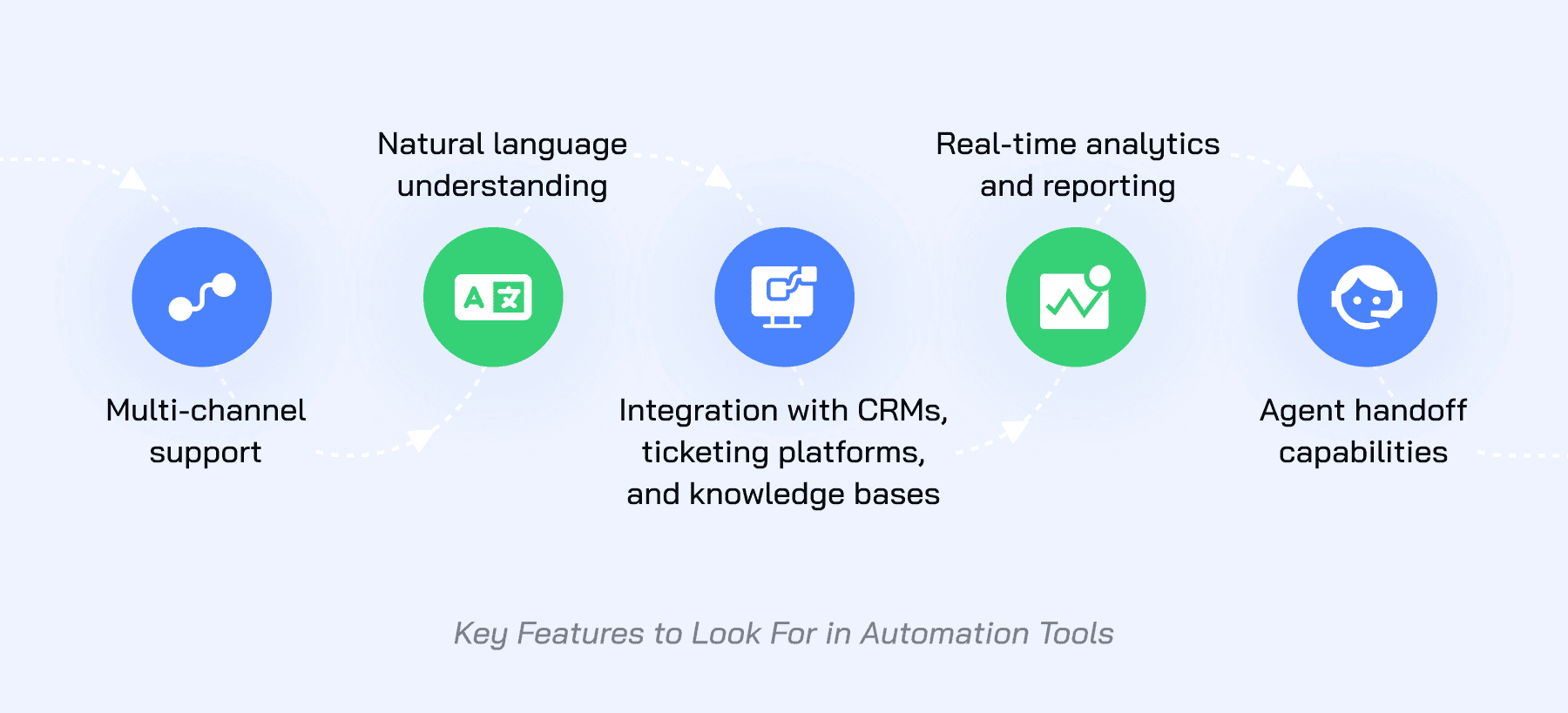
If you're evaluating platforms, the things that decide whether Tier 1 automation works in practice:
- Answers only from your content. Generic chat models answer from the internet, which is where the confident wrong answers come from.
- Integration with your helpdesk, CRM and knowledge base, because an AI that can't see the order can't tell the customer where it is.
- Agent handoff that carries the context with it, so the person picks up mid-conversation.
- Multi-channel coverage: email, chat and messaging apps in one deployment, in 60+ supported languages (120+ compatible).
- Reporting you can act on: resolution by category, escalation reasons, reopen rate.
Security and compliance
Support tickets carry personal data, so the AI handling them has to meet the same bar as the helpdesk: GDPR and CCPA compliance, encryption in transit and at rest, controlled access, and a record of what the AI did on each ticket. CoSupport AI is ISO 27001 certified, GDPR and CCPA compliant, and keeps a decision log per ticket; the security page has the details.
For regulated industries, add one question: does the AI act only within the business rules you set, or can it be talked into an exception? The answer should be the first one.
Common mistakes in a rollout
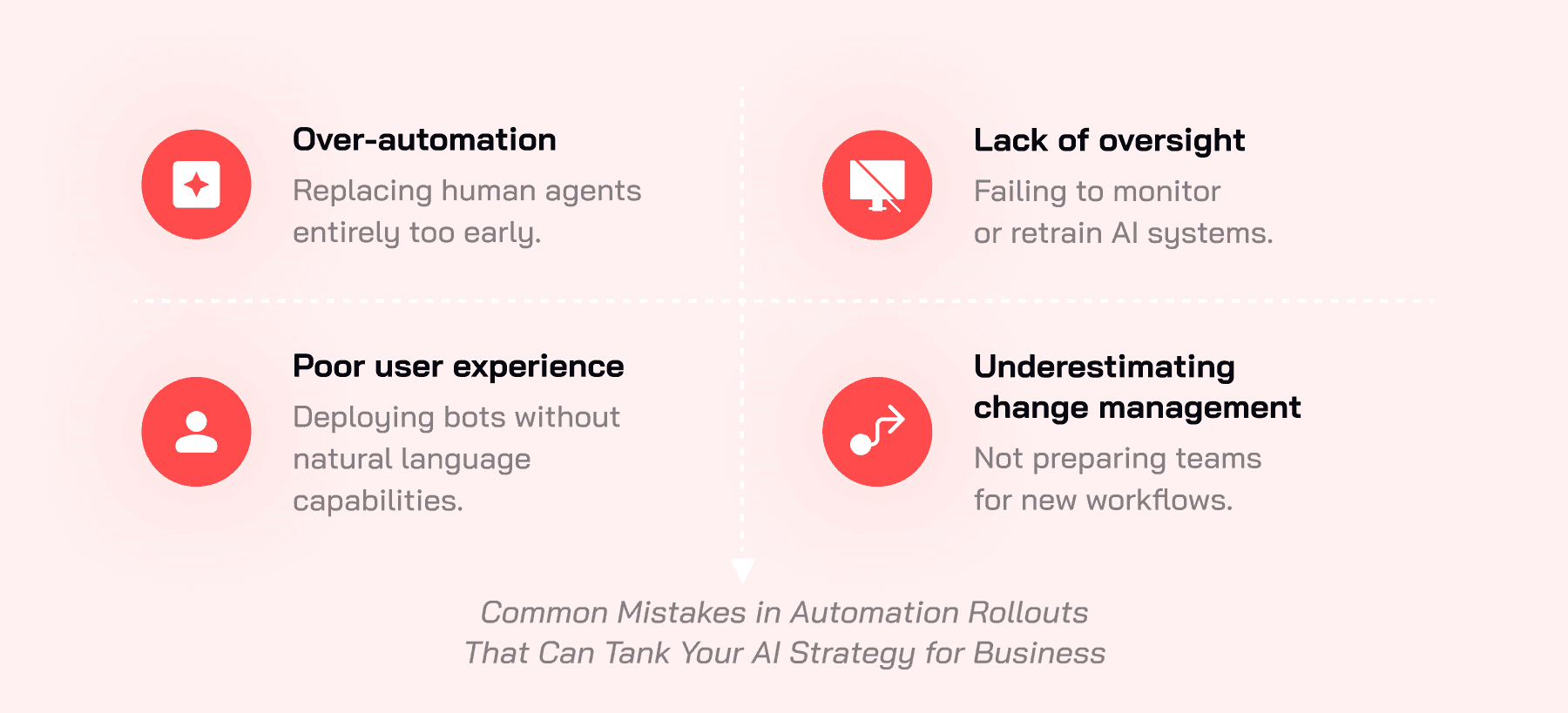
- Automating everything at once. Teams that switch the whole queue to autonomous on day one find the edge cases in public. Start with five categories.
- Skipping the content step. An AI learning from a stale help center produces stale answers, faster.
- No oversight after launch. The first month is when a wrong answer pattern is cheapest to fix. Someone has to read the escalations.
- Not preparing the team. Agents need to know what the AI does and what reaches them, or the escalations look like noise.
- Measuring deflection. It flatters the number and hides the repeat contacts.
Where this fits in a wider AI plan
Automating Tier 1 is usually the first AI project a support team runs, and the one with the clearest return. It also matters outside the support budget: two-thirds of companies now compete mainly on customer experience, according to Gartner, and the first line of support is most of that experience. The same agentic AI that resolves order-status tickets can triage incoming tickets by intent and summarize a long thread for the person who inherits it. There's a longer view in the AI customer support strategy ebook, and a page on customer service automation that shows what the full queue looks like once the repetitive share is gone.